
Download PDF Watermark – add watermark to PDF, PDF watermark tool, batch watermark PDF, secure PDF documents, protect PDF files
Overview
PDF Watermark is a dedicated mobile utility designed to help users protect their digital documents by adding customizable watermarks directly to PDF files. The app serves as a practical solution for individuals and professionals seeking to prevent unauthorized use, misappropriation, or distribution of sensitive content. By embedding visible or semi-transparent watermarks, users can clearly mark documents as drafts, confidential, or copyrighted, reinforcing document integrity in both personal and professional contexts.
The app targets a broad audience, including freelancers, educators, legal professionals, and business users who frequently share or publish PDFs. Its core purpose lies in enhancing document security through visual markers that deter misuse while preserving the original content’s readability. Although the developer did not provide additional background on the company or its history, the app’s long-standing presence since its release on October 27, 2017, suggests consistent functionality and user demand.
Real-world applications include marking internal reports as “Draft,” labeling training materials as “Confidential,” or protecting intellectual property in published documents. In an ecosystem where digital content is easily copied and shared, PDF Watermark fills a critical gap by offering a simple, accessible tool for content protection. Its focus on usability and efficiency positions it as a reliable choice for users who need to safeguard their work without relying on complex desktop software.
Key Features & Functionality
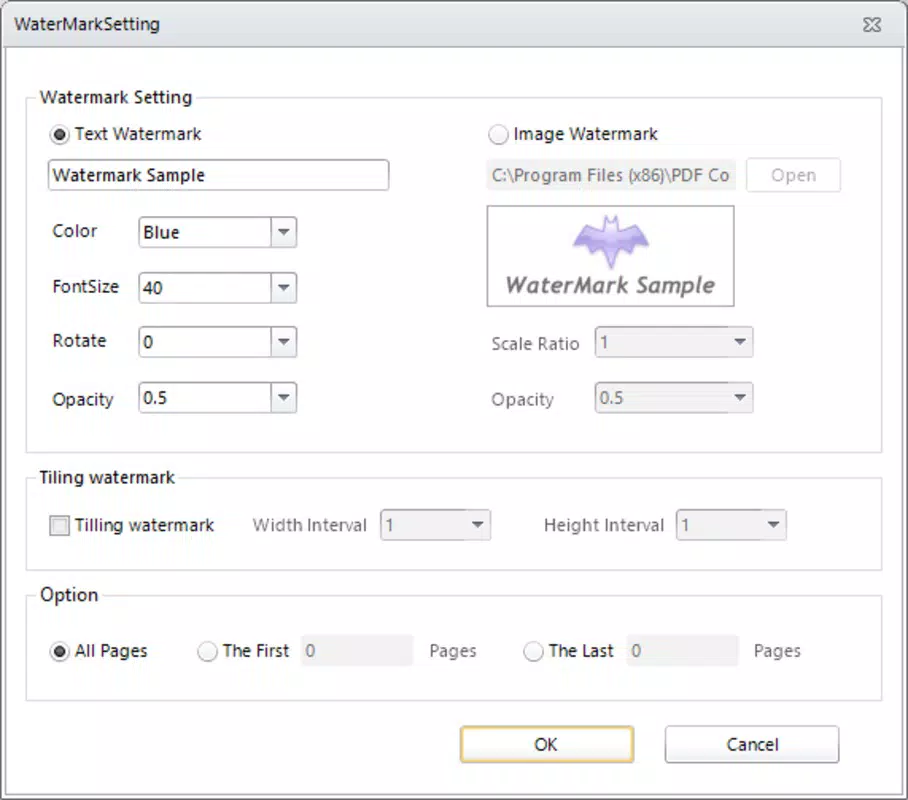
- Customizable Watermarks: Users can generate watermarks using either plain text or image files. Key visual parameters such as color, transparency, font size, rotation, and opacity are adjustable to suit branding or security needs. This level of control ensures that watermarks blend professionally or stand out as intended.
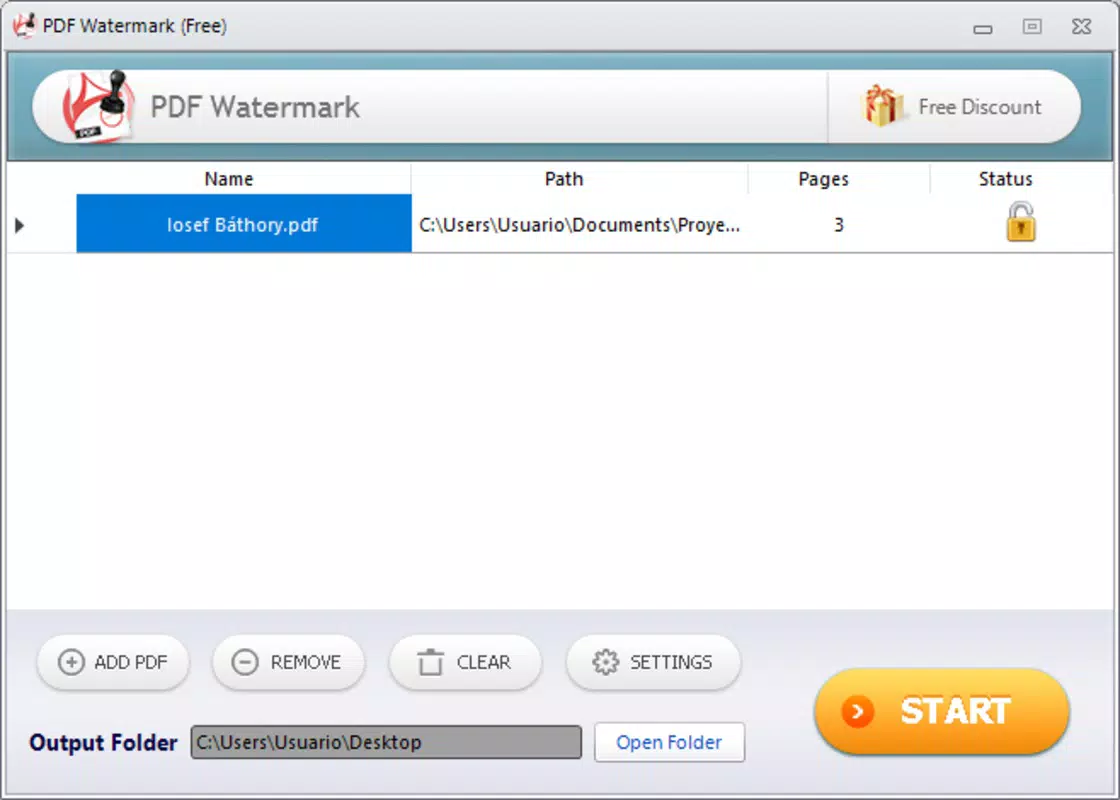
- Batch Processing Capability: The app allows users to apply the same watermark configuration to multiple PDF files simultaneously. By dragging and dropping several documents into the interface, users can process entire folders in a single operation, significantly reducing time spent on repetitive tasks.
- Page-Specific Application: Watermarks can be applied to specific pages or ranges within a document. This feature is particularly useful for marking only certain sections—such as cover pages or internal sections—while leaving other parts unmarked.
- Quick Setup and Intuitive Workflow: The interface is designed for minimal friction. With a few taps, users can select a file, configure the watermark, and initiate the process. This ease of use makes the app accessible to users with limited technical experience.
- Resource-Efficient Design: The app operates efficiently without consuming excessive device memory or processing power. This ensures smooth performance even when handling multiple files or larger documents.
Interface, UX & Performance
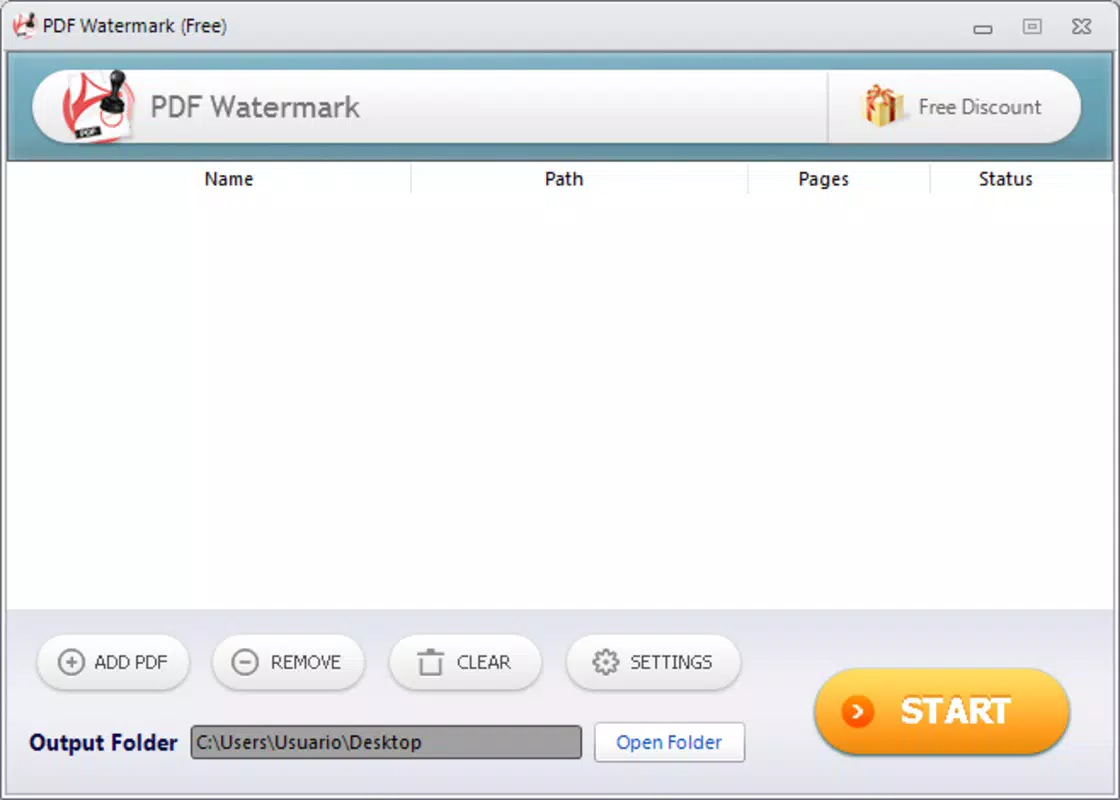
The user interface of PDF Watermark follows a clean, task-oriented layout focused on simplicity and clarity. Navigation is straightforward, with main functions—file selection, watermark customization, and processing—accessible through clearly labeled buttons and intuitive controls. The visual design avoids clutter, prioritizing functionality over decorative elements.
Users can expect a responsive experience across various Android device categories, including mid-range and high-end smartphones. Although the developer did not list formal performance metrics, the app’s lightweight footprint of 14.5 MB suggests optimized resource usage. The app maintains stability during file processing, with no reported crashes or freezes during standard operations.
Interaction flow is linear and predictable: select file → customize watermark → choose pages → start batch process → export result. This consistent pattern reduces user error and supports quick learning. The app does not require complex permissions, which contributes to a secure and streamlined experience. While specific performance benchmarks were not provided, the overall experience appears stable and efficient for everyday document protection tasks.
Platform Compatibility & Technical Requirements
PDF Watermark is available exclusively on the Android platform. It is compatible with Android devices running the minimum OS version specified by the developer, though specific requirements were not listed. The app has a file size of 14.5 MB, making it a lightweight download suitable for devices with limited storage space.
Users can install the app directly from the Google Play Store or through third-party APK sources, though the developer did not provide official details on alternative distribution methods. The latest version, 1.2.5, was released on October 27, 2017. While no recent updates have been documented, the app remains functional and accessible as a free tool.
Compatibility information was not fully disclosed, so users should ensure their device meets the system requirements set by the app at the time of installation. The developer did not specify minimum RAM, CPU, or storage thresholds, but the small file size indicates broad compatibility across most modern Android devices.
Pros and Cons
Pros
- Free to download and use with no hidden costs
- Supports both text and image-based watermarks for maximum customization
- Enables batch processing of multiple PDF files efficiently
- Lightweight design with minimal storage impact (14.5 MB)
- Simple, intuitive interface suitable for non-technical users
Cons
- Developer did not provide information on minimum OS or device requirements
- No recent update history beyond version 1.2.5 (2017)
- Limited availability—only supports Android, not iOS or other platforms
- Specific performance data or benchmark results were not disclosed
- Custom watermark settings may require trial and error for optimal results
FAQ
Is PDF Watermark safe to install on my Android device?
Yes, the app is available through official channels and does not require suspicious permissions. As a free utility, it operates within standard Android security guidelines.
Can I use PDF Watermark on iOS devices?
Currently, the app is only available for Android. There is no official iOS version, and no information was provided about future releases.
Does the app support adding watermarks to scanned PDFs?
Yes, the app can process scanned PDFs as long as they are in standard format and accessible through the device’s file system.
How do I update PDF Watermark to the latest version?
Updates are managed through the Google Play Store. If the app is installed from a third-party source, users should verify the authenticity of the APK file before updating.
Can I remove a watermark after it has been applied?
Once a watermark is embedded, it becomes part of the PDF file and cannot be removed without editing the document using a PDF editor. The app does not include a built-in removal tool.
Final Thoughts
PDF Watermark stands out as a reliable, no-frills tool for protecting digital content on Android devices. Its ability to apply customizable watermarks across multiple documents in a single session makes it a valuable asset for users who prioritize document security and branding. Despite its last update in 2017, the app continues to function effectively, offering a straightforward solution for those who need to mark PDFs quickly and securely.
While it lacks modern features like cloud integration or AI-assisted design, its core functionality remains relevant. The app is ideal for educators, freelancers, and small business owners who manage frequent document sharing and require a lightweight, free option. Its simplicity, efficiency, and low resource consumption deliver strong value for users seeking practical document protection.
For those in need of a secure, easy-to-use PDF watermarking solution on Android, this app remains a viable and accessible choice. Download PDF Watermark now.


